本文原發表於 Medium,2026-10-27 搬移至此。
Thank you my old pal!

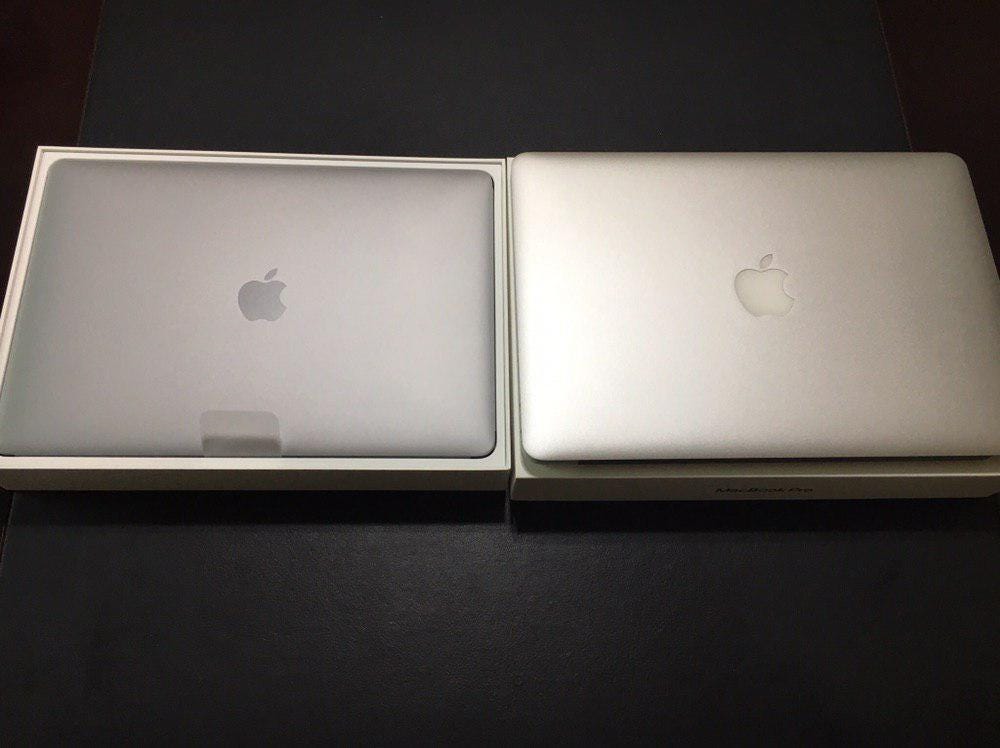
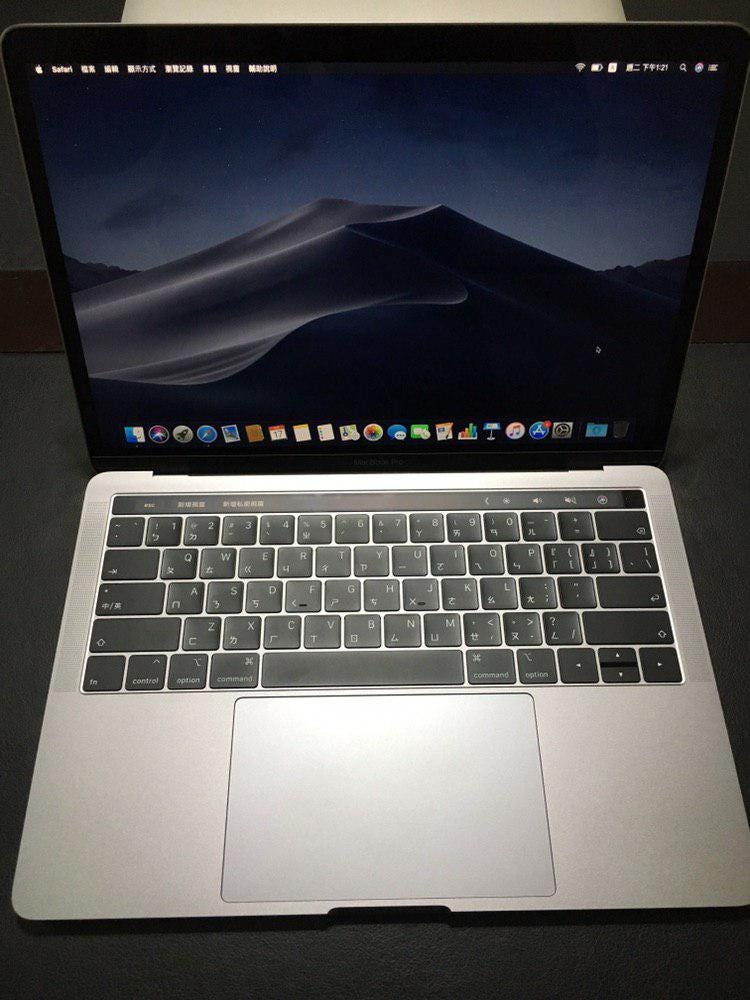
MacBook Air 13” 2013 -> MacBook Pro 13” 2019
完成交接儀式後,起手式先安裝套件管理工具 brew:
1 | /usr/bin/ruby -e "$(curl -fsSL https://raw.githubusercontent.com/Homebrew/install/master/install)" |
常用軟體
可透過 brew 安裝的有:
1 | brew cask install google-chrome iina spotify telegram-desktop |
剩下的得自行安裝:
終端機
iTerm2 + oh-my-zsh
iTerm2
1 | brew cask install iterm2 |
下載配色:
1 | git clone https://github.com/mbadolato/iTerm2-Color-Schemes.git |
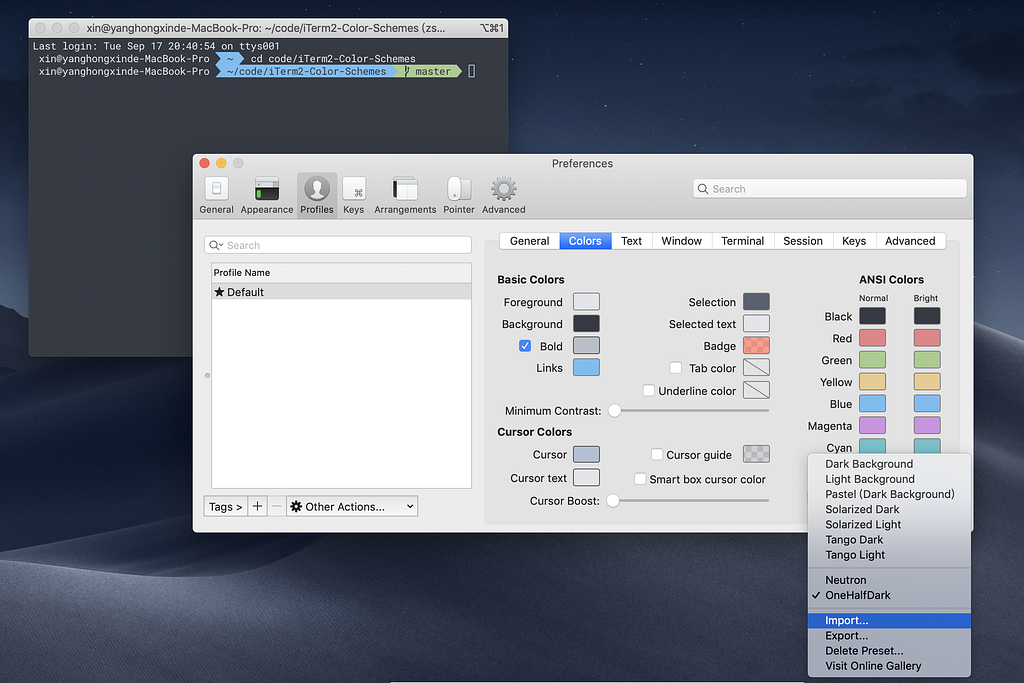
至 Preferences > Profiles > Colors > Color Presets… > Import
選擇剛 clone 下來的 iTerm2-Color-Schemes/schemas/OneHalfDark.itermcolors 當作配色方案。
下載字型 :
1 | # 新增來源 |
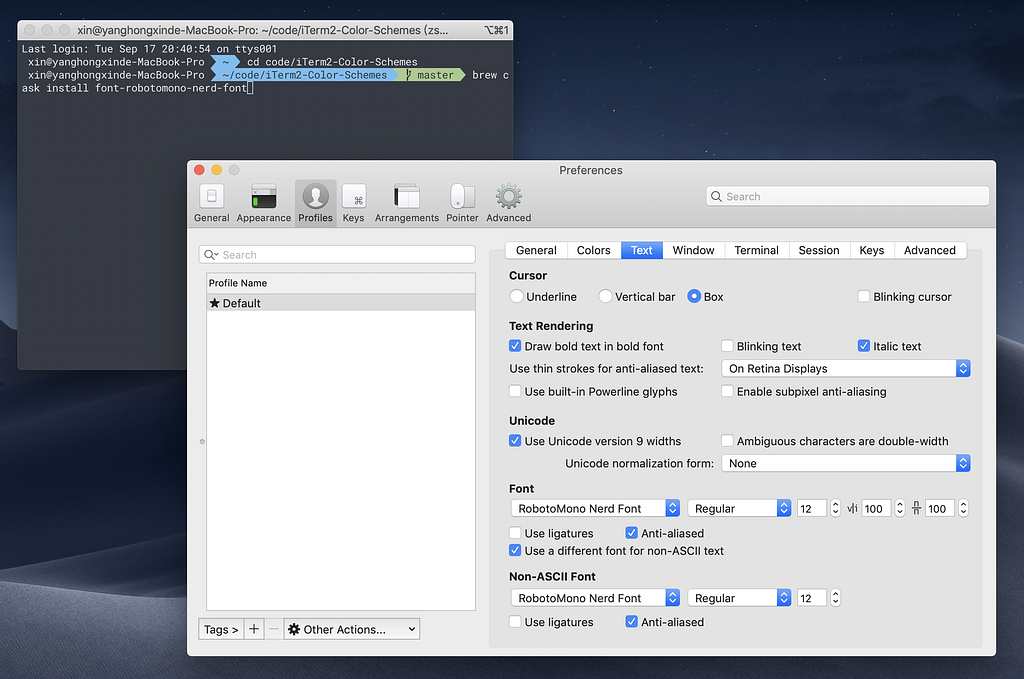
至 Preferences > Profiles > Text
將 Font 與 Non-ASCII Font 設為RobotoMono Nerd Font
oh-my-zsh
1 | sh -c "$(curl -fsSL https://raw.githubusercontent.com/robbyrussell/oh-my-zsh/master/tools/install.sh)" |
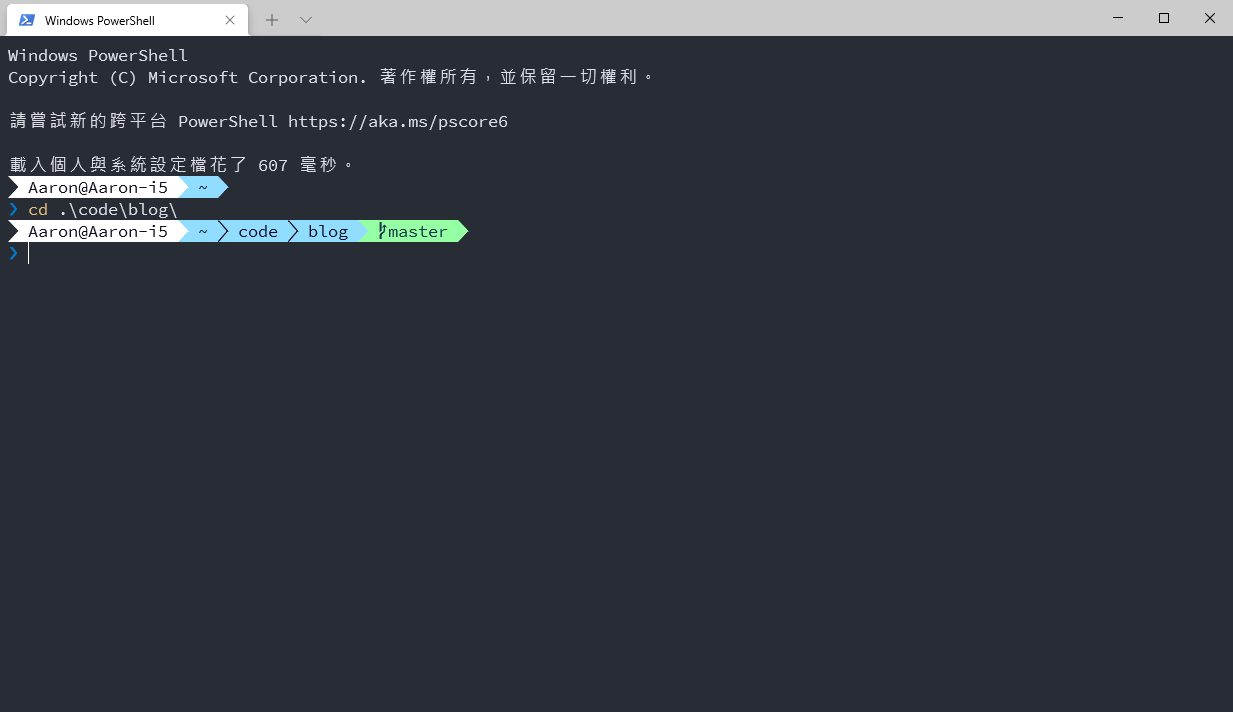
powerlevel9k
1 | git clone https://github.com/bhilburn/powerlevel9k.git ~/.oh-my-zsh/custom/themes/powerlevel9k |
開啟.zshrc文件設定 theme 為 powerlevel9k/powerlevel9k :
1 | ZSH_THEME="powerlevel9k/powerlevel9k" |
編輯器
Atom
1 | brew cask install atom |
函式庫
系統函式庫
1 | brew install git pkg-config gnupg node yarn python3 mkcert postgres redis |
Ruby
使用 RVM 管理多版本 Ruby
1 | # 確認憑證 |
安裝 Ruby
1 | # 列出所有 ruby 版本 |